Irshad AI ERP for shops and showrooms
For shops, showrooms and outlets: a POS counter with barcode scanning, cash or credit sales and an 80 mm receipt, every bill in one list, stock in every outlet, your own web shop, complaints and repairs, and a sales dashboard. Works on a phone.
The demo runs on sample data and opens with its sign-in filled in: press Continue and look around.
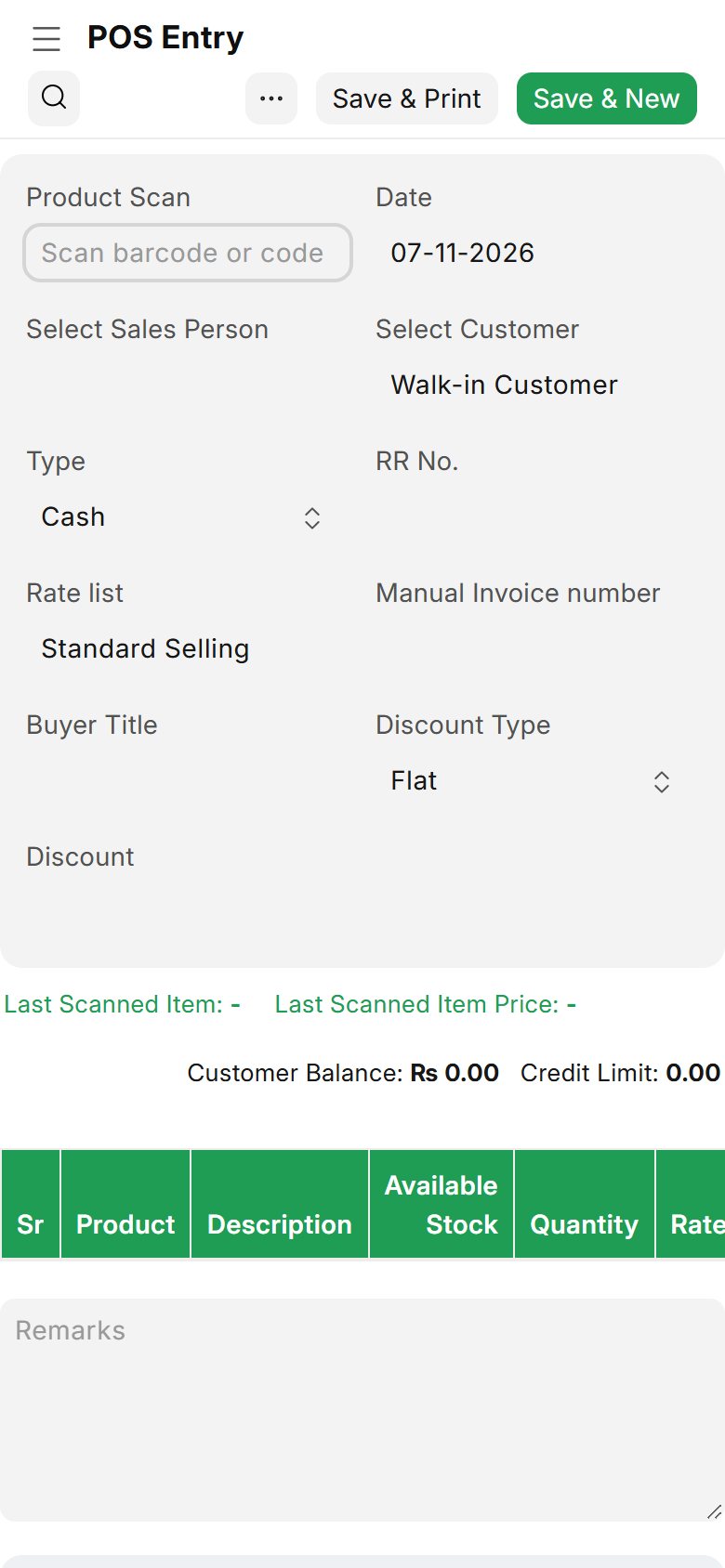
A counter that bills in seconds
Scan the product, choose cash or credit, apply a discount, take the money and see the change. The bill prints as an 80 mm receipt, and the stock goes out of the counter at once.
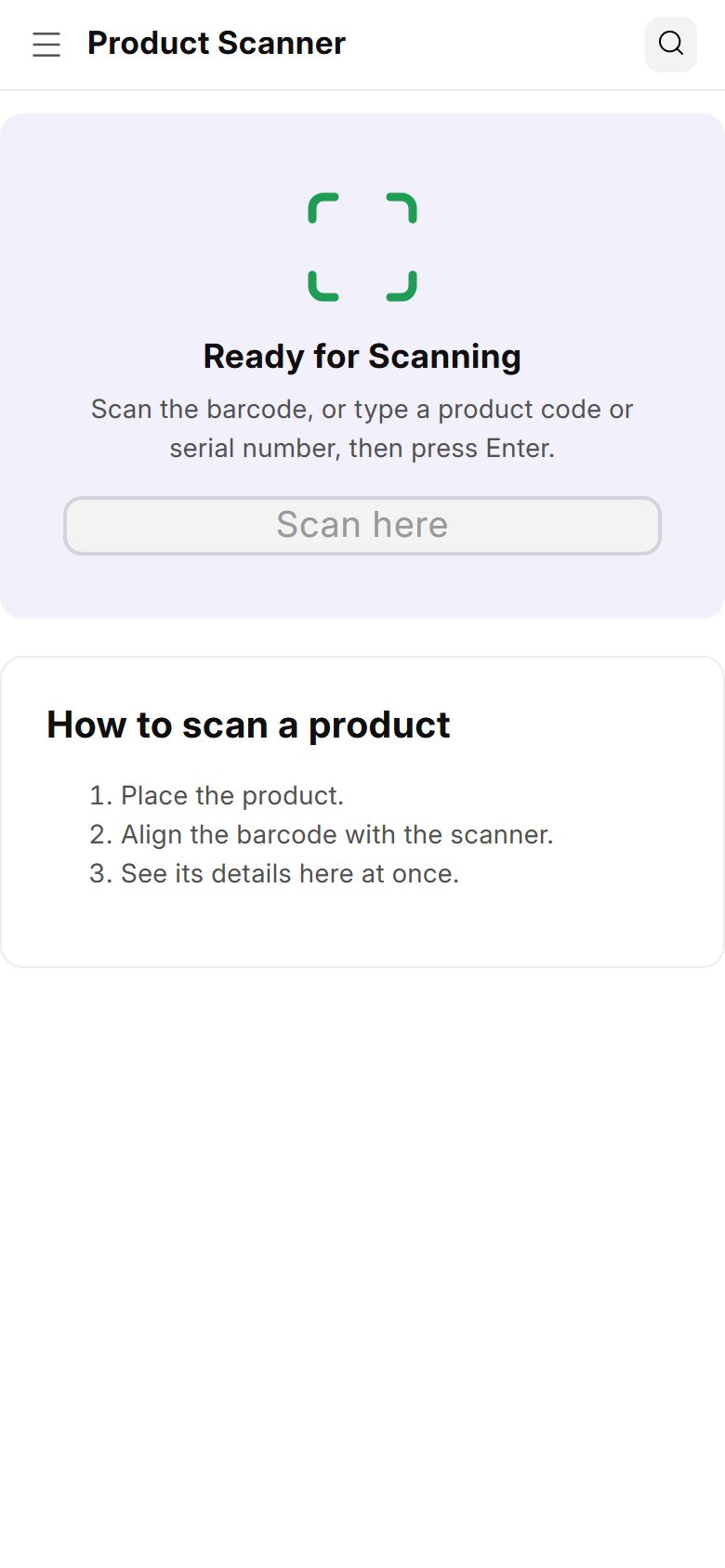
Scan to see any product
Scan a barcode or a serial number, or type a product code, and the product's details and price appear at once.
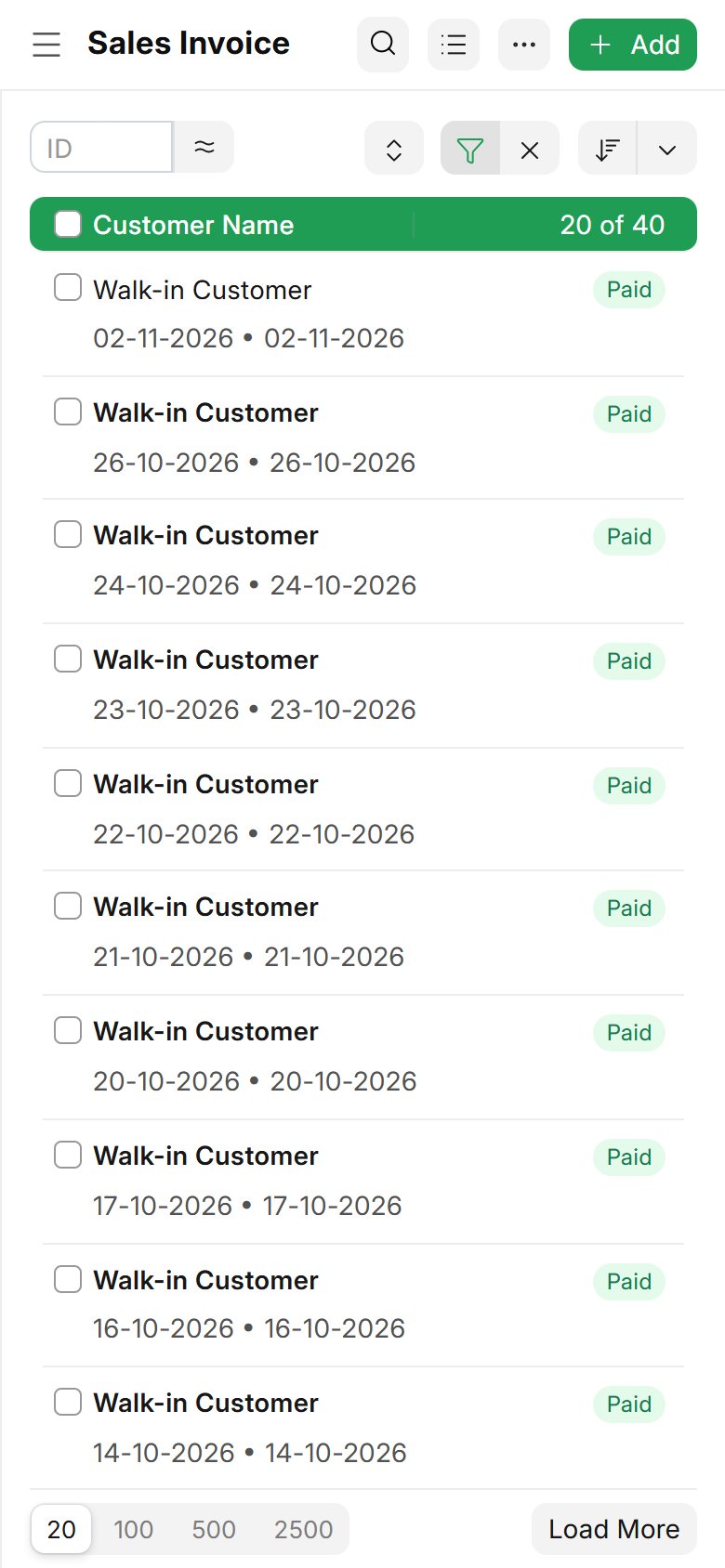
Every bill in one list
Every sale in one list, marked paid or overdue, which you can search by customer and date.
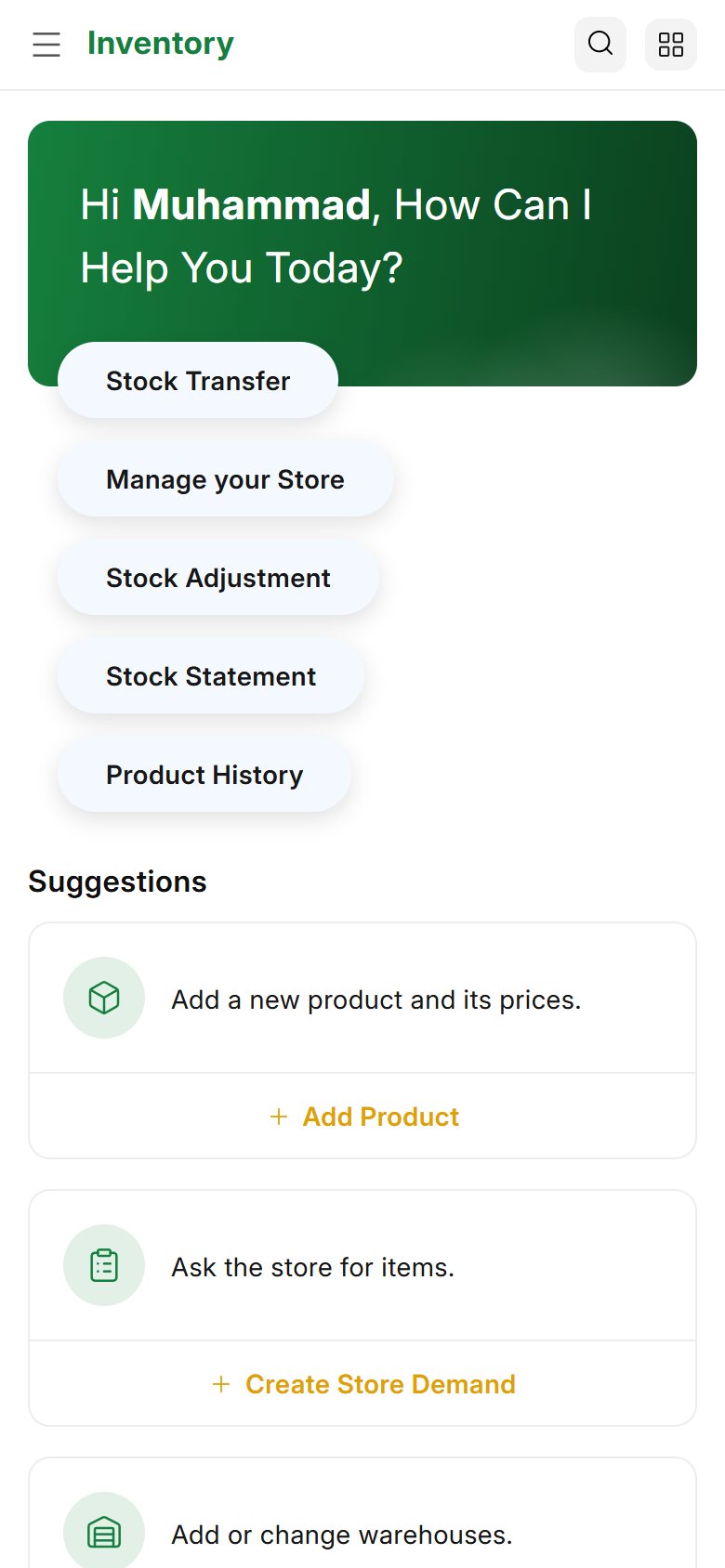
Stock in every outlet
Stock transfers between outlets and the store, stock adjustments, stock statements and the history of every product.
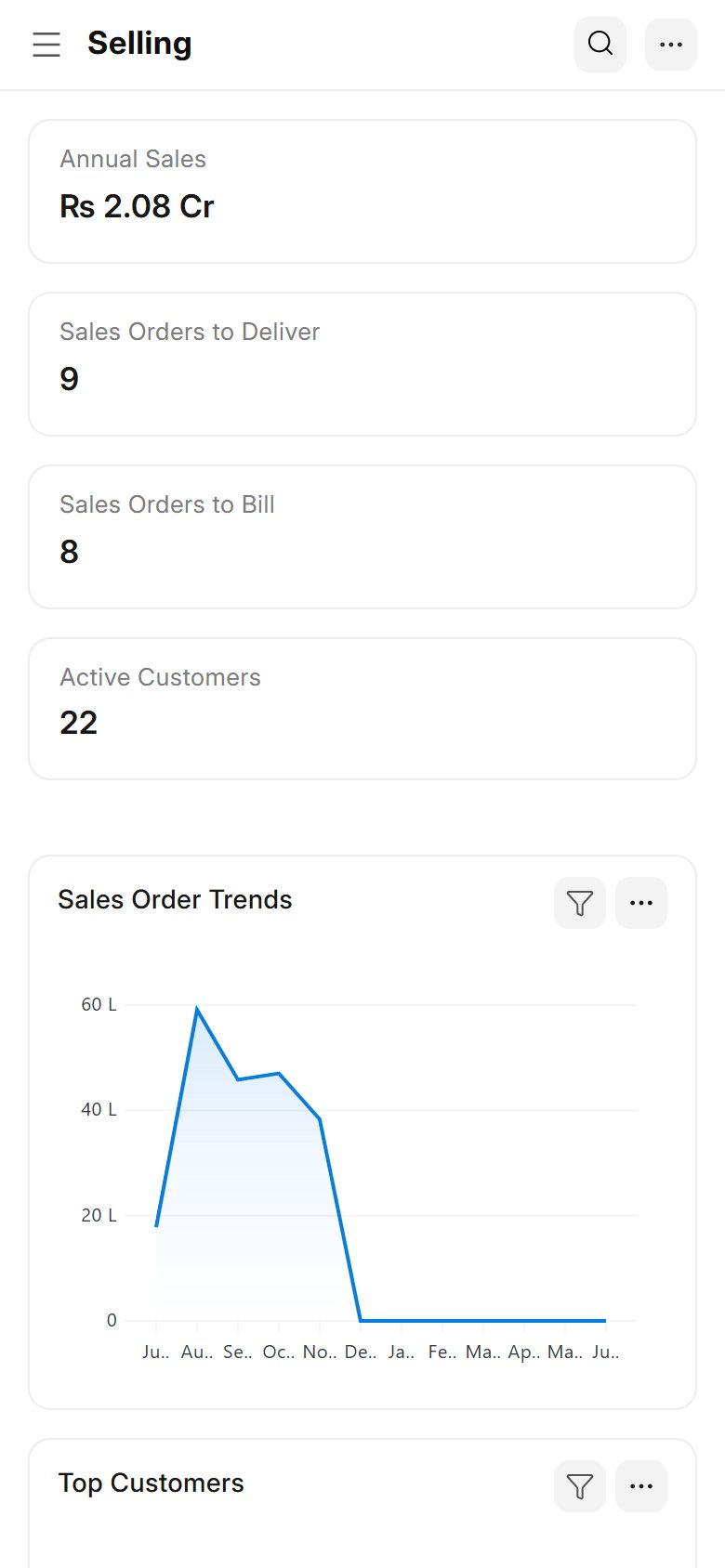
Sales at a glance
Sales, active customers, the sales trend and top customers on one dashboard.
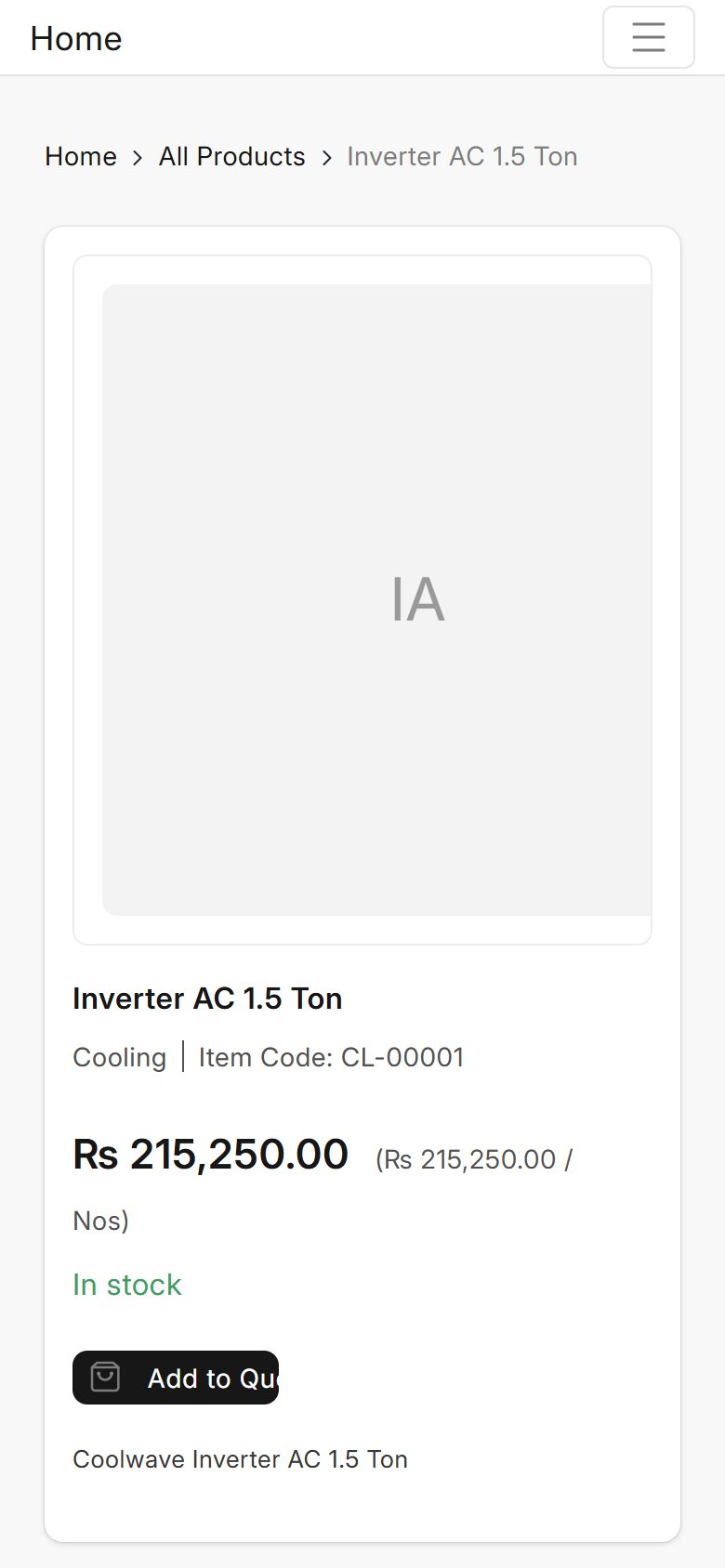
Your products on your own web shop
Publish any product to the shop on your website. It shows the same price as the counter and says "In stock" from the stock in your store, so the website never sells what you do not have.
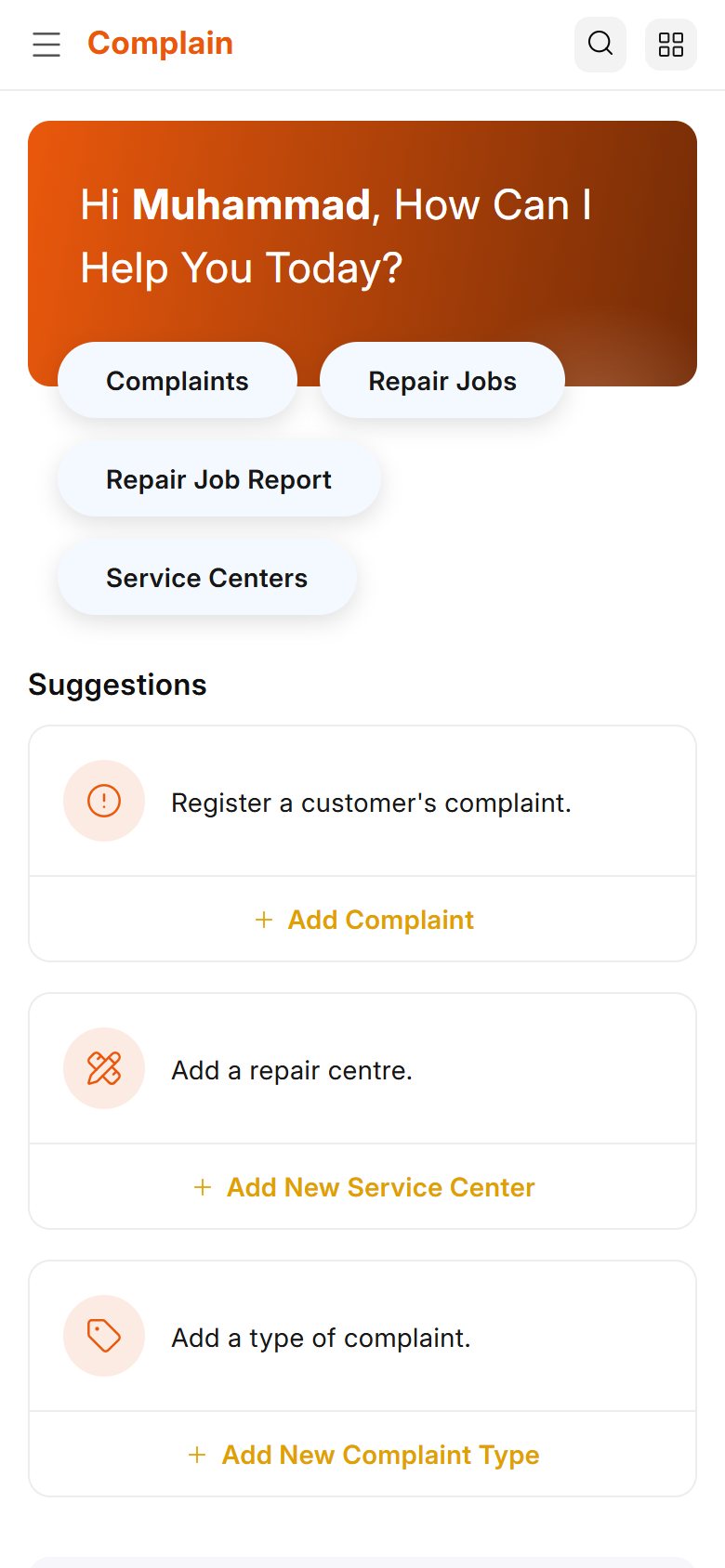
Complaints and repairs after the sale
Register a customer's complaint, send the product for repair as a repair job linked to the complaint, and follow every repair to the end in the repair job report.
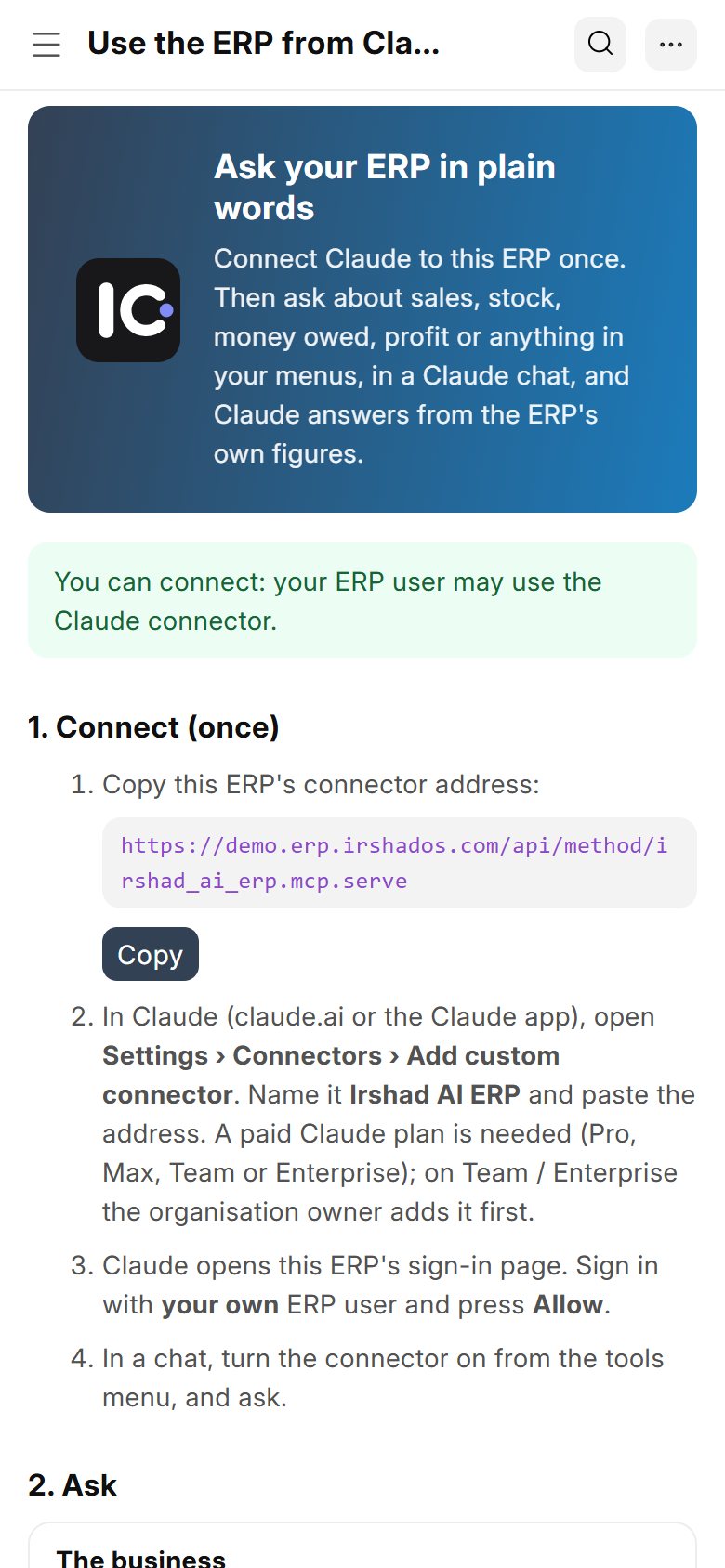
Ask your ERP
Ask "top 10 products this month" or "what has not sold in 60 days?" in plain language, and the answer comes from your own sales.
How we set it up for you
- 1
Walk through how you work
A short call or a few screenshots per department: what you enter, what you print, which reports you open every day.
- 2
Set up and import
Your own installation, with your chart of accounts, customers, products and opening balances, checked against your trial balance.
- 3
Fit the screens and prints
Your field names, invoice and voucher layouts and approval steps, on a copy you test before anything goes live.
- 4
Go live and support
Start on a month's first day, then training per department and a monthly retainer for questions and changes.
Questions
Do we need special hardware? ▾
No. It runs in the browser. A USB or Bluetooth barcode scanner and an 80 mm receipt printer make the counter faster, and both are ordinary shop equipment.
Can we sell on credit to regular customers? ▾
Yes. A credit sale leaves the balance on the customer's account, and their balance and credit limit show at the counter.
We have more than one shop. ▾
Each outlet has its own counter settings and stock, and the owner sees all of them together.
Irshad AI ERP for other businesses
- Irshad AI ERP: the whole system
Accounts, sales, a POS counter, purchase, stock, production, payroll and CRM in one ERP built on ERPNext, with modules for schools, clinics, lending and a web shop, which you can also ask in plain language. Works on a phone. Live demo, no sign-up.
- Traders, wholesalers and distributors
For traders, wholesalers and distributors: customer balances and credit limits on every bill, recovery and salesman targets, orders against real stock, cheques in hand and a sales dashboard. Works on a phone.
- Factories and workshops
For factories and workshops: each product's bill of materials, production plans and batch tickets, store demand to purchase order to GRN, gate passes, and stock of raw material and finished goods in every store.
- Companies with many staff
For companies with many staff: attendance with late-coming deductions, leave, advances and loans, the monthly salary sheet with salary tax slabs, and every employee's record from joining to resignation.
- Schools, colleges and academies
For private schools, colleges and academies: admissions, students and guardians, classes and courses, attendance, exams and results, fee bills for a whole class in one go, and teachers' salaries in the same books. Works on a phone.
- Clinics, hospitals and labs
For clinics, hospitals and labs: an EMR with each patient's history, consultations, diagnoses, prescriptions and lab results, plus appointments with each doctor, inpatient and emergency records, billing that posts to the accounts, medicine stock and staff salaries. Works on a phone.
- Water Plants - Beverages Units
Irshad AI ERP for Water Plants - Beverages Units (RO, mineral water and filling plants): home orders from your own order page or WhatsApp, delivery riders and rounds, the bottles each customer holds and their security deposits, refills at the counter, water test records, and the plant's accounts and salaries. Works on a phone.
The full feature list and every screen are on the Irshad AI ERP app page, and the setup service on ERP Implementation.
See it with your own work
Tell us what your business does and how many people will use it. We show you the ERP on a short call, with the screens you would use every day, and send a written quote. Email [email protected].